← Projects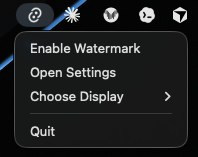
Menu bar 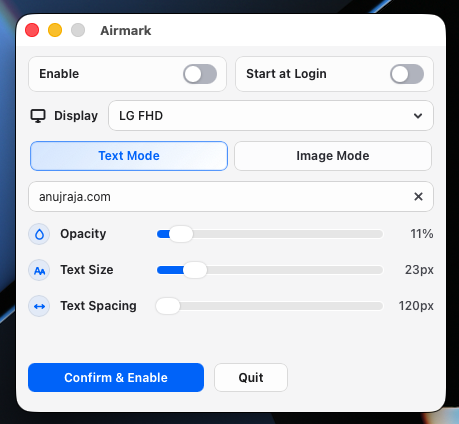
Text mode 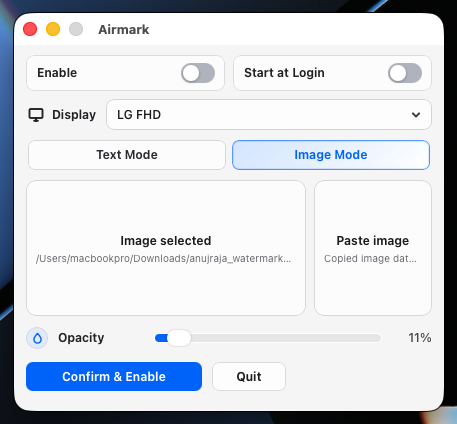
Image mode 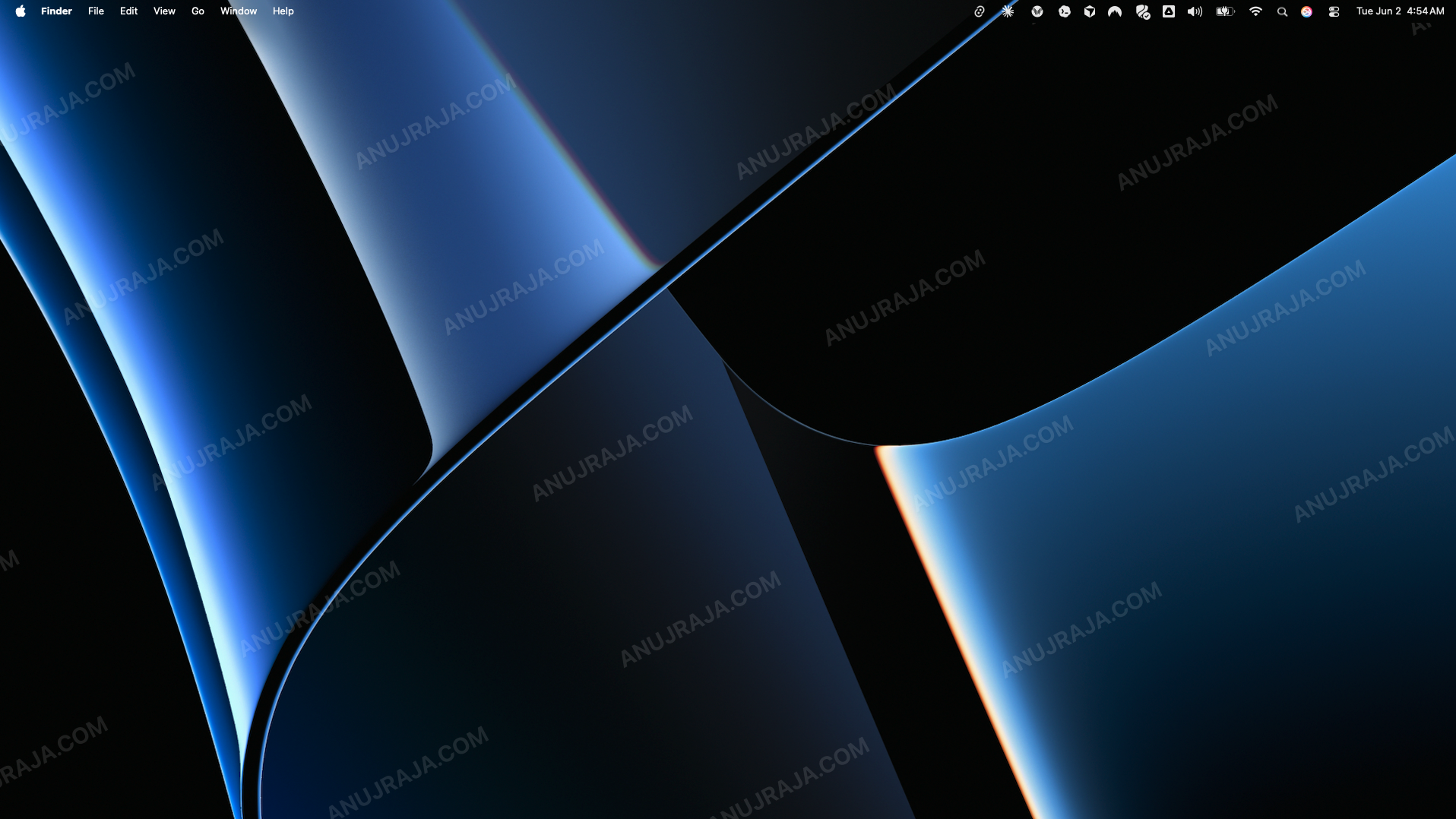
Desktop overlay — watermark across one selected display Rust owns the app shell, state, display selection, and macOS bridges. React renders settings and overlay content.
Airmark
macOS menu-bar app
Watermark
one display.
Stay out
of the way.
Airmark adds a text or image watermark to one selected macOS display without blocking the keyboard, mouse, or menu bar.
$
open https://github.com/anujraja/airmark/releases/latest# dockless, local, one selected display
$ npm install
dependencies ready
$ npm run tauri dev
tray app + settings UI
13+
minimum macOS
2
watermark modes
1
selected display
0
background servers
JSON
local settings
Screens
Diagrams
flowchart TB
  Tray["Menu Bar Tray"] --> Rust["Rust / Tauri Core"]
  Settings["Native Settings Window"] --> React["React + TypeScript UI"]
  React --> Rust
  Rust --> State["Persisted App State"]
  Rust --> Shim["macOS Shim / AppKit bridge"]
  Rust --> Overlay["Transparent Overlay Window"]
  React --> Renderer["Overlay Renderer"]
  Renderer --> Overlay
  Login["Launch at Login"] --> Rust
Key facts
Platform
macOS utility
menu bar · dockless
Core
Rust shell
Tauri · AppKit
UI
React settings
TypeScript · Vite
Modes
Text or image
opacity · spacing
Privacy
Local state
Small JSON settings file. No background server.
Install
DMG release
Drag Airmark.app into Applications.
Quick start
# 1 · download the latest release
open https://github.com/anujraja/airmark/releases/latest

# 2 · develop locally
npm install
npm run tauri dev

# 3 · build the macOS app
npm run tauri build