ChatGPT Download Engine
Python CLI · pip package · TypeScript engine
The project in plain English
Why it matters
For People who use AI conversations as working material
The problem
Useful research and working context can become difficult to find when it remains scattered across chat threads.
My contribution
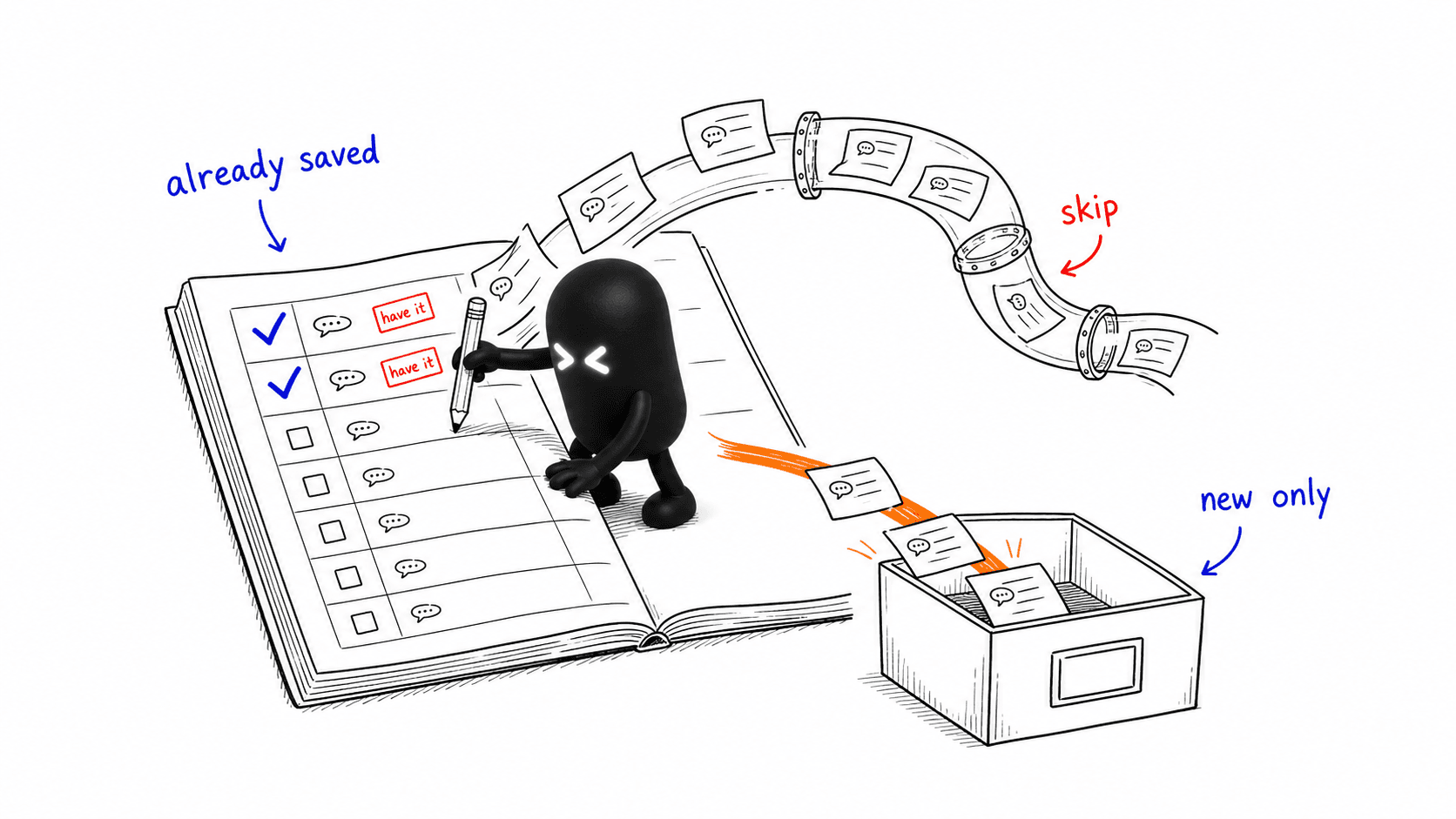
An export pipeline downloads conversations and files, creates readable Markdown, validates links, and installs the archive after staging it.
The value
Makes AI-assisted work easier to retain, inspect, and reuse outside the original chat interface.
- Data pipelines
- Reliability
- Developer tooling
Scope & limits. A technical tool that requires setup and access to the user's own account. Availability depends on upstream endpoints. An archive may contain sensitive material and remains the owner's responsibility.
A desktop experience built on this work
The Omarchy ChatGPT Archive brings this archive workflow into a desktop panel with project filters, progress, search, and scheduled exports.
Explore the Omarchy plugin →Download every
ChatGPT chat. Locally.
A private JSON + Markdown archive of your conversations — citations, timestamps, images, attachments. One command.
npm install air-cde-runtimeDiagrams
flowchart LR
    subgraph Python["Python: src/chatgpt_download_engine"]
        CLI2["cli.py"]
        Config2["config.py"]
        Pipeline2["pipeline.py"]
        Markdown2["markdown.py"]
        Validation2["validation.py"]
    end
    subgraph Engine["TypeScript engine"]
        EngineSrc["src/"]
        EngineDist["dist/index.cjs"]
    end
    CLI2 --> Config2 --> Pipeline2
    Pipeline2 --> EngineDist
    EngineSrc --> EngineDist
Pipeline2 --> Markdown2 --> Validation2Key facts
Cross-platform
Windows · macOS · Linux
Two runtimes
Python 3.9+ · Node 20
Three commands
doctor · export · validate
Portable archive
JSON · Markdown · files
Local-only
Tokens, config, exports git-ignored. Secrets redacted from logs.
Atomic & validated
Staged, validated, swapped in one transaction. Rolls back on failure.
Benchmark offline · reproducible
Local JSON→Markdown render, best of 5, 40 turns each. ~674–980 conv/s. Network excluded. Reproduce: python3 scripts/benchmark.py